
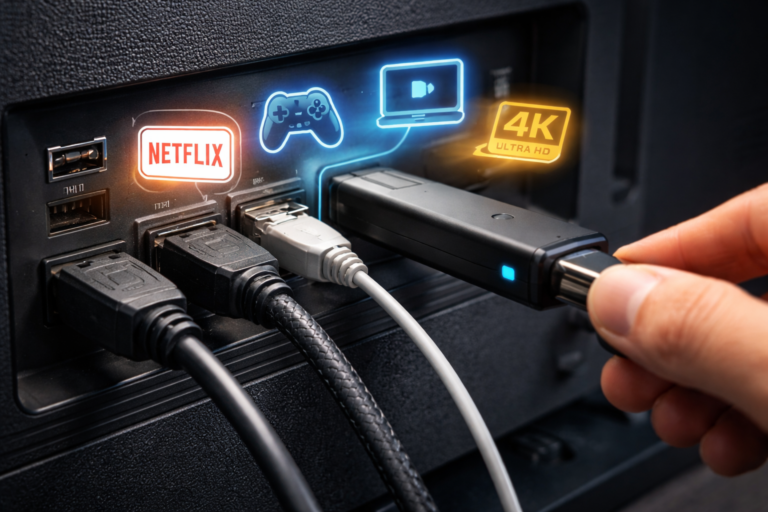
Modern smart TVs may look sleek and minimal, but the tiny ports on the back panel hold incredible power. What many people overlook as simple connection points are actually the backbone of a high-performance entertainment system.
From delivering cinema-quality audio to enabling next-gen gaming and seamless device control, these ports can dramatically enhance your TV experience. Let’s explore how that small port can do far more than you think.
Understanding The Tiny Port: What Is It Really?
The most important “tiny port” on modern TVs is the HDMI (High-Definition Multimedia Interface) port. Alongside HDMI, TVs also include USB, Ethernet (LAN), and optical audio ports, each designed for specific tasks.
- Modern TVs typically include 3 to 4 HDMI ports
- Newer standards like HDMI 2.1 support up to 48 Gbps bandwidth
- These ports allow simultaneous connection of multiple devices like gaming consoles, streaming sticks, and sound systems
These ports turn your TV into a central hub for all digital entertainment devices.
Key Functions Of Modern TV Ports
1. One Cable For Audio And Video (HDMI ARC/eARC)
One of the most powerful features is HDMI ARC (Audio Return Channel).
- Enables two-way communication between your TV and sound system
- Sends audio from TV apps directly to soundbars or AV receivers
- Eliminates the need for separate audio cables
The upgraded version, eARC (Enhanced Audio Return Channel), offers:
- Support for high-bitrate, uncompressed audio
- Compatibility with Dolby Atmos and DTS:X formats
- Improved audio synchronization and quality
With just one HDMI cable, you can simplify your entire home theater setup.
2. Turn Your TV Into A Gaming Powerhouse
If your TV includes HDMI 2.1, it unlocks advanced gaming capabilities:
- 4K resolution at 120Hz refresh rate
- Ultra-low latency for faster response
- Support for VRR (Variable Refresh Rate) and ALLM (Auto Low Latency Mode)
These features are essential for modern gaming consoles and high-performance PCs, offering smoother visuals and immersive gameplay.
3. Plug And Play Media With USB Ports
The USB port on your TV is far more useful than most people realize.
It allows you to:
- Play movies, music, and photos directly from a USB drive
- Connect external hard drives for large media libraries
- Record live TV (on supported smart TVs)
- Power streaming devices like Fire TV Stick or Chromecast
Speed differences matter:
- USB 2.0: Up to 480 Mbps (basic playback)
- USB 3.0: Up to 5 Gbps (faster transfers and HD playback)
This makes USB a simple and effective way to access content without internet streaming.
4. Control Everything With One Remote (HDMI-CEC)
Hidden within HDMI is a powerful feature called CEC (Consumer Electronics Control).
It allows:
- Control of multiple connected devices using a single remote
- Automatic switching between devices
- Simultaneous power on/off for TV and connected systems
CEC can manage up to 15 devices, reducing clutter and simplifying control.
5. Connect Your Smartphone Directly To TV
Some TVs support MHL (Mobile High-Definition Link) or USB-C connectivity.
With this feature, you can:
- Mirror your smartphone screen on your TV
- Stream videos and apps directly
- Charge your phone while connected
MHL supports HD video and multi-channel audio, making it a powerful tool for mobile integration.
Comparison Table Of Key TV Ports
| Port Type | Main Function | Speed/Capability | Best Use Case |
|---|---|---|---|
| HDMI 2.0 | Audio + Video | 18 Gbps | 4K streaming, Blu-ray |
| HDMI 2.1 | Advanced AV | 48 Gbps | Gaming, 8K content |
| HDMI ARC | Audio return | Two-way signal | Soundbars |
| HDMI eARC | High-end audio | Lossless audio | Home theatre systems |
| USB 2.0 | Media playback | 480 Mbps | Basic file playback |
| USB 3.0 | High-speed data | 5 Gbps | Large files, recording |
| Optical Audio | Digital sound output | Up to 5.1 audio | Older audio systems |
| LAN (Ethernet) | Internet connectivity | Stable wired connection | Streaming without buffering |
Why These Ports Matter More Than Ever
Today’s TVs are not just for watching channels—they are smart entertainment ecosystems.
Using the right ports can help you:
- Build a premium home theater system
- Enjoy high-performance gaming
- Reduce cable clutter with fewer connections
- Improve audio and video quality significantly
For example, a single HDMI ARC connection can replace multiple cables, simplifying setup while enhancing performance.
Future Of TV Ports: What’s Coming Next
Technology continues to evolve, and TV ports are becoming more powerful:
- Future versions like HDMI 2.2 may offer even higher bandwidth
- USB-C integration is gradually appearing in newer TVs
- Wireless connectivity is improving, but physical ports remain essential for high-quality transmission
Even as wireless tech grows, wired connections will still dominate for performance, reliability, and quality.
Conclusion
That tiny port on the back of your TV is far more powerful than it appears. Whether it’s delivering high-quality sound, enabling next-gen gaming, or simplifying your entire setup, these ports are essential to unlocking your TV’s full potential.
Understanding how to use them correctly can transform your viewing experience—without any additional cost.